Insights & export
See where the group’s money went
SplitBank turns your shared expenses into clear charts and totals, and lets you export everything to a spreadsheet when you need it.
Charts and totals
Every group has spending by category, spending by month and who paid the most, plus a totals view showing group spend, what you paid and your share.
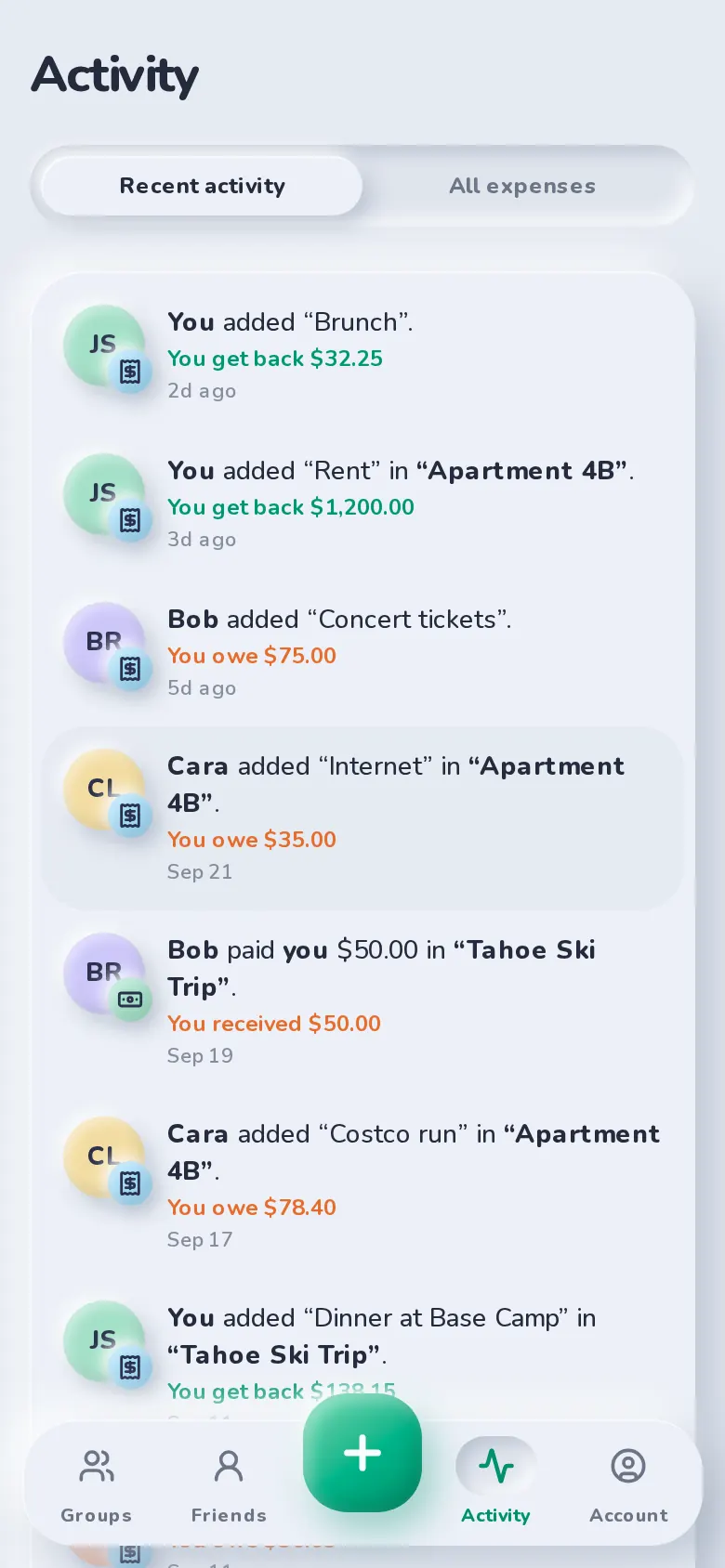
Recent activity
The Activity tab lists what’s changed — new expenses, edits, payments and comments — in plain sentences, with a link to each expense.
Export to CSV
Download a group’s or a friend’s expenses as a CSV with one column per person, ready for Excel, Numbers or Google Sheets.
Popular with
Who uses insights & export
FAQ
Insights & export: common questions
Yes. Everything in SplitBank is free to use, including charts, totals and CSV export.
Related
Flexible splits
Equal, exact, percentage, shares or adjustments — with live per-person totals.
Learn more about flexible splitsGroups & friends
Trip, home and couple groups, plus friend-to-friend balances.
Learn more about groups & friends
Start splitting in under a minute
Free to use, with no subscription or credit card. Invite your group and add your first expense today.