Settle up
Settle up in a couple of taps
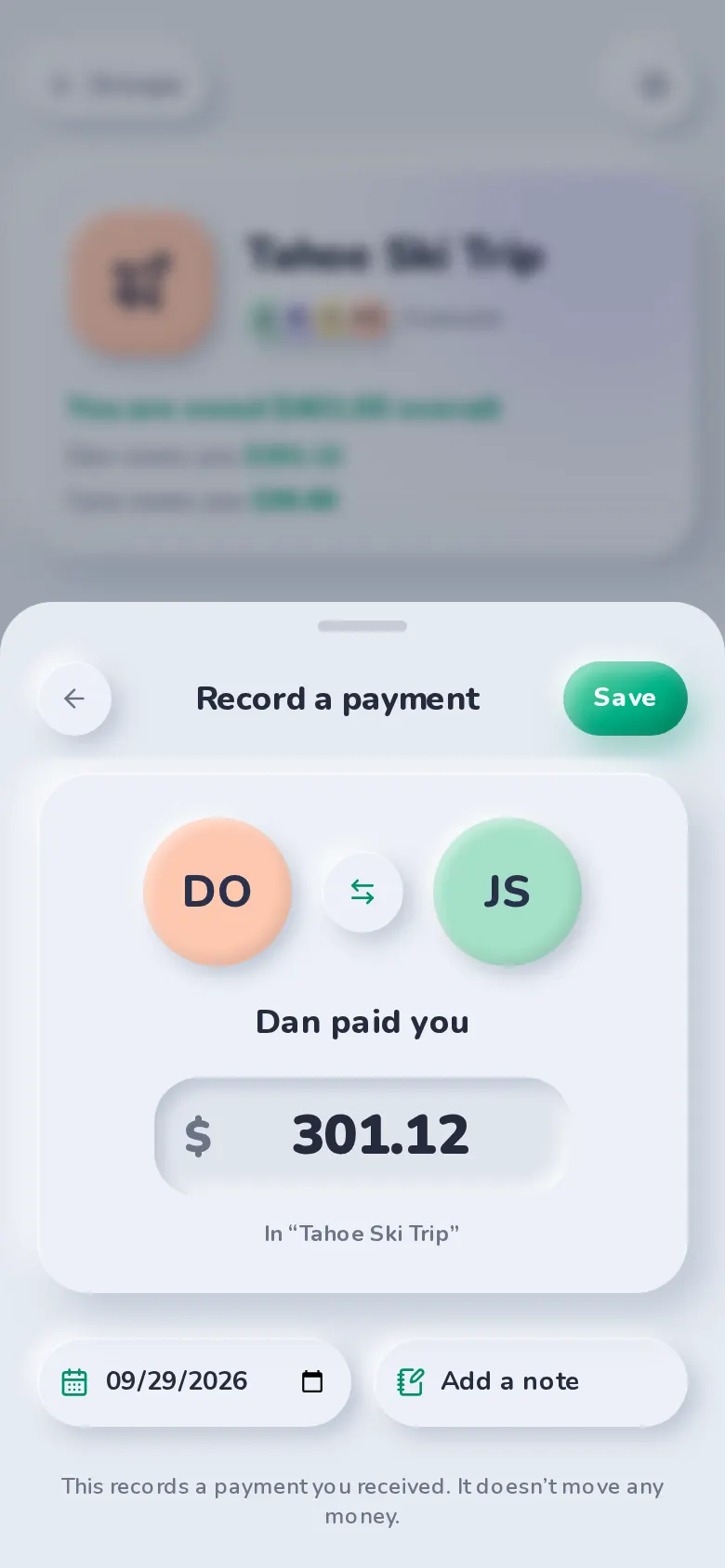
When it’s time to pay back, SplitBank shows who you owe and how much. Open Venmo, Cash App or PayPal with the amount already filled in, copy someone’s Zelle details, or record a cash payment.
Pay with the app they prefer
Friends add their Venmo, Cash App, PayPal.me or Zelle details once. When you settle up, SplitBank opens the right app with the amount ready to send.
Payments are part of the history
Every payment is saved with its date, method and an optional note, and appears in the group’s expense list — so there’s a record of who paid whom.
Partial payments welcome
Pay back part of what you owe and the balance updates. From a friend’s page, one payment is spread across the groups where you owe them.
- Venmo
- Cash App
- PayPal
- Zelle
FAQ
Settle up: common questions
No. SplitBank records payments and opens your payment app with the amount pre-filled; the money itself moves through Venmo, Cash App, PayPal, Zelle or cash.
Record it yourself: open Settle up, choose the person and save the payment as received. Their balance updates for both of you.
Related
Simplify debts
Combine debts so the group settles with the fewest payments.
Learn more about simplify debtsGroups & friends
Trip, home and couple groups, plus friend-to-friend balances.
Learn more about groups & friendsInsights & export
Charts by category and month, totals, activity and CSV export.
Learn more about insights & exportGuide · 5 min read
How to split expenses on a group trip
Read the guide: How to split expenses on a group tripGuide · 4 min read
Debt simplification explained, with examples
Read the guide: Debt simplification explained, with examples
Start splitting in under a minute
Free to use, with no subscription or credit card. Invite your group and add your first expense today.